Essential React Table Components: The Anatomy of Modern Data UI
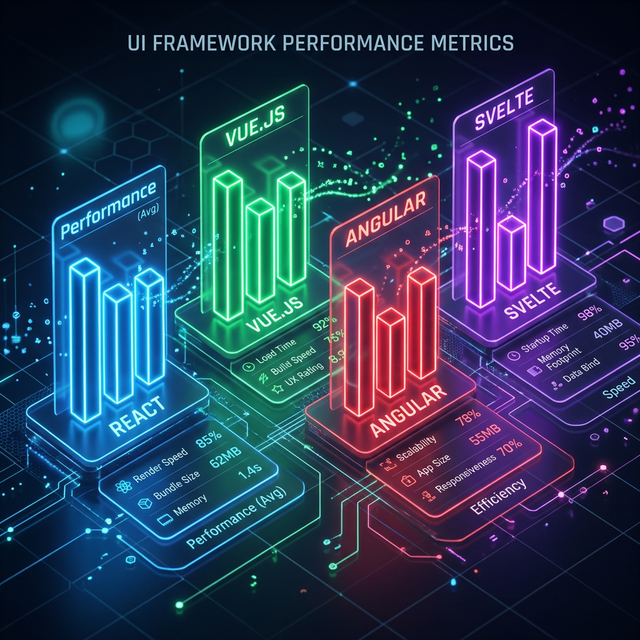
Visualizing the structural components that make up a high-performance data table.
Anatomy Blueprint
01. The Atomic Table Structure
In React, a table (like our high-performance data table) is a collection of atomic parts:
- Table Container: Handles overflow and layout.
- Header Hub: Manages column definitions and interactions.
- Body Engine: Iterates over data to render rows.
- Footer Hub: Summaries and metadata.
02. Smart Headers: Sorting and Filtering
The header is where the user controls the data. A professional header component needs to handle column sorting icons, filter input fields, and column resizing handles. It's often where the most complex state management lives.
03. Custom Cell Renderers: Bringing Data to Life
Modern tables don't just show strings. They show status badges, user avatars, sparks of charts, and action buttons. Using a modular system of "Cell Renderers" allows you to reuse these small components across multiple different analytics views.
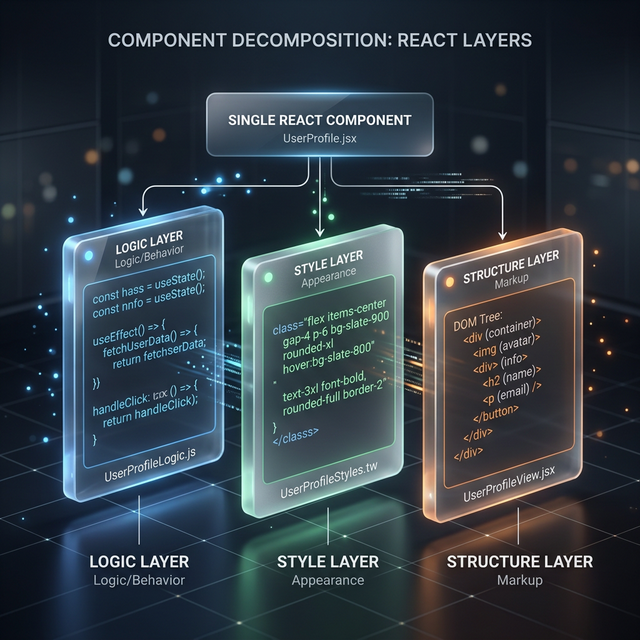
Architectural Precision: How modular parts make the whole greater than its parts.
04. Row Selection and Bulk Action Menus
Selection is a key part of an admin portal. This requires a "Selection Store" that tracks checked checkboxes across pages. When items are selected, a "Bulk Action Bar" (using our navigation patterns) should appear to allow users to act on multiple rows simultaneously.
05. Pagination and View Hubs
Don't overwhelm the user. Pagination components provide a clear way to navigate through large datasets. They should be accessible and include controls for "Rows per page"—a feature found in all our React table templates.
06. Performance Tuning per Sub-Component
Use React.memo for individual row components to prevent unnecessary re-renders when data in other rows changes. This is the difference between a laggy table and the smooth experience of our high-end data tables.
07. The Power of "Owned Code" Table Design
By using the IndoUI component collection, you own the sub-components. If you need to add a custom "Export" button to your admin table, you can do it directly in the component file without wrestling with a restrictive prop-based API.
Frequently Asked Questions
Can I build an accessible table manually?
Yes, but it's risky. Tables have complex ARIA requirements. It's safer to use the battle-tested, accessible components from IndoUI's table collection.
How do I handle nested tables?
Use "Sub-row" or "Expansion" components. When a user clicks an expand button in a row, a new, nested data view is rendered below it.
Explore Related React Components
Accelerate your development with our production-ready, accessible, and highly customizable UI blocks.
Master Your Data Visualisation
The best tables are more than just grids—they are powerful tools for your users. Start building your next data-driven application with IndoUI's professional React table components.
Explore Table Blocks