Building a Modern React Components Website: Architecture & UX
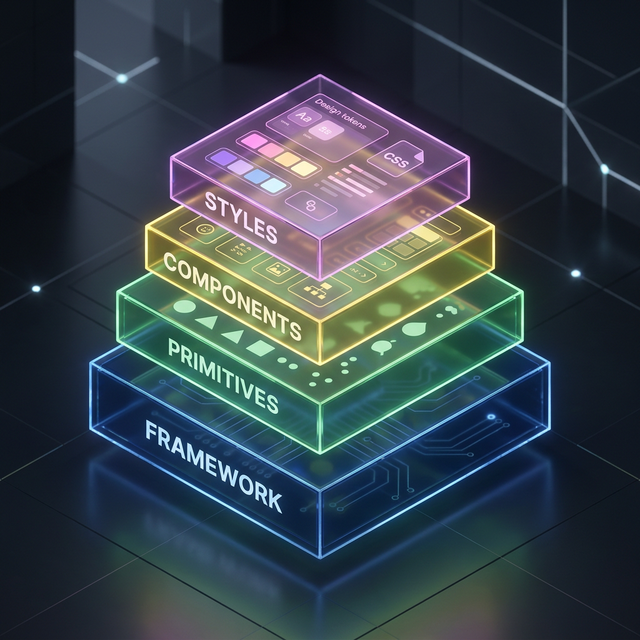
Architecture Index
01. The Technical Challenge of Component Showcases
A React component showcase site is basically a "Live Demo" of your design system. You need to render everything—from simple buttons and hero sections to complex data tables—in a single, cohesive interface.
In 2026, the challenge is keeping the bundle size down while still providing an interactive playground for every component.
02. Next.js 15: The Infrastructure for Speed
Next.js 15 is the industry standard for component showcase sites. By leveraging Partial Prerendering (PPR), the static parts of your navigation and footers load instantly, while the component previews are hydrated dynamically.
03. Engineering Interactive Previews
A great showcase site lets users interact with the code. Use code generators or "Copy-Paste" blocks for things like authentication forms and card layouts. This allows developers to see exactly how the code integrates with their project.

The Digital Spine
How component-driven websites scale from MVP to enterprise without a rewrite.
Explore Related React Components
Accelerate your development with our production-ready, accessible, and highly customizable UI blocks.
04. Search and Discoverability: The Sidebar Hub
If users can't find a component, it doesn't exist. Implement a robust search and categorization system. Categories should be logical: Marketing Heros, Auth Forms, Analytics Tables, etc. This is how we've organized IndoUI to ensure you find what you need in seconds.
05. The Responsive Testing Playground
Your users need to see how a feature-grid or about section looks on mobile. Build a preview container that can be resized to common device widths, demonstrating your components' responsiveness in real-time.
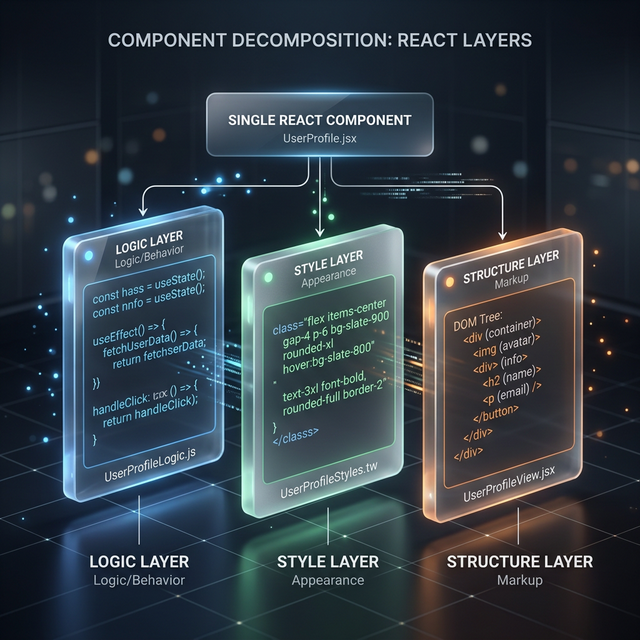
The Hybrid Approach
Combining server-side speed with client-side interactivity for the ultimate showcase experience.
Your users need to see how a feature-grid or about section looks on mobile. Build a preview container that can be resized to common device widths, demonstrating your components' responsiveness in real-time.
06. Building a Technical Content Hub
A component library site is also a learning center. By hosting high-authority guides (like this one!), you build trust and improve your SEO. Each blog post is an opportunity to link internal pages like React button best practices or table performance guides.
07. Conversion Tactics for UI Sites
Focus on the "Copy Code" button. It's the ultimate conversion event. Make it easy for developers to take your form blocks or hero templates and drop them into their projects.
Frequently Asked Questions
How do I keep my component showcase site fast?
Use lazy loading for your component previews. Only hydrate the component that the user is currently looking at. Use static generation for your FAQs and documentation pages.
Is it worth building my own showcase site?
If you are building a proprietary design system for a large enterprise, yes. For public projects, IndoUI provides the blueprint for what a modern, premium showcase should look like.
Build the Best UI Showcase
The best components deserve the best presentation. Start building or improving your component showcase site today with the patterns and inspiration from IndoUI.
Explore Showcase Blocks